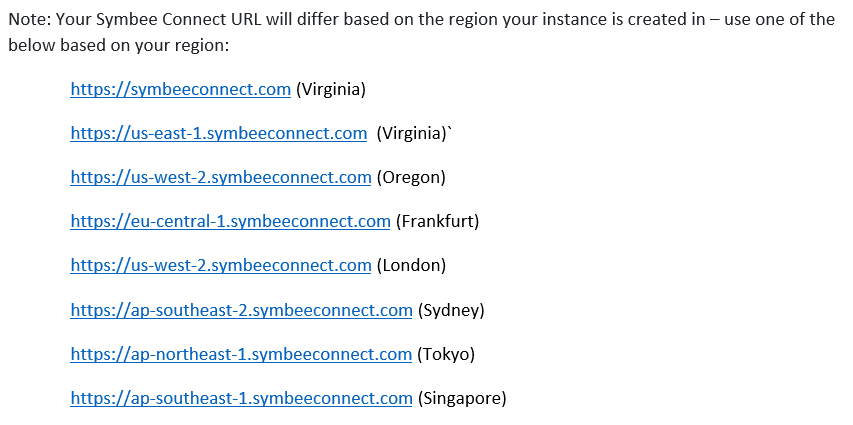
Whitelisting a URL in Amazon Connect
The Cornerstone CX agent/user UI replaces the the out the box Amazon Connect CCP from a user perspective. This domain URL must be white-listed as an Approved Origin for your Amazon Connect Instance for the Cornerstone CX agent/user UI to function correctly.
When logged in to your AWS Account, from the AWS Console:
-
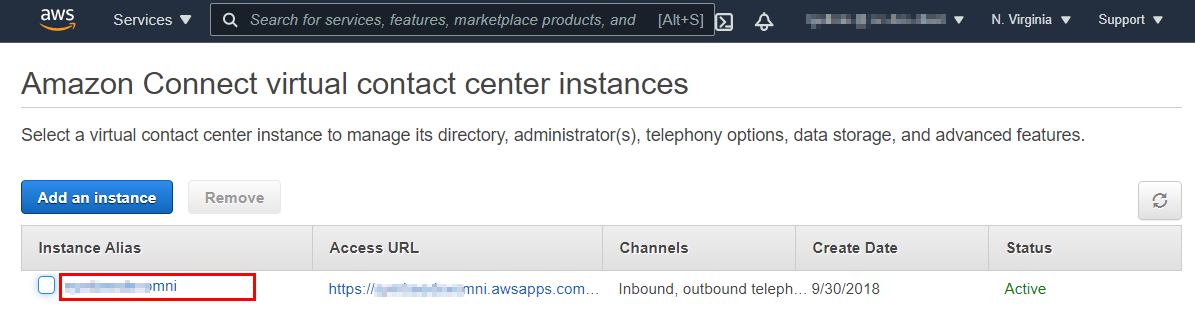
Navigate to the Amazon Connect service page.
-
Click on your Amazon Connect instance that you will be integrating your Cornerstone CX with.
-
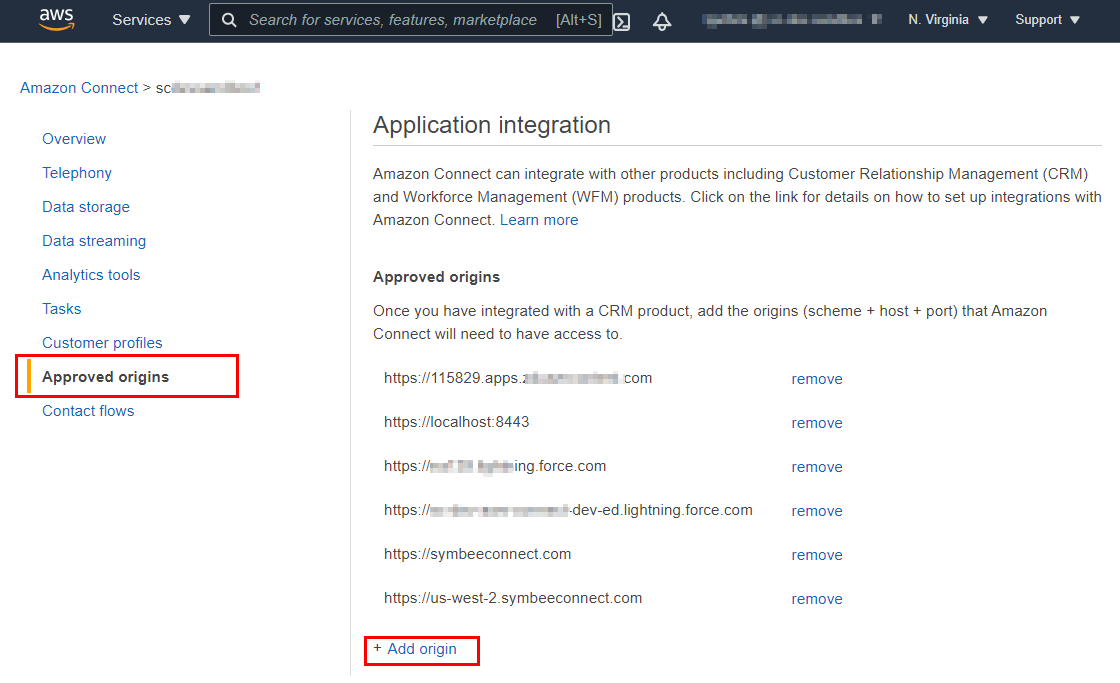
In the left navigation pane, choose Approved Origins, and select + Add Origin
-
Enter your Cornerstone CX domain (https://cornerstonecx.co.nz) as a new Approved Origin. This is the same domain as is used in your Cornerstone CX Administration Portal URL.